Mobile App Now Available

Download the qq33 App — Play, Win, and Have Fun on Android and iOS, Anytime

The full qq33 experience in the palm of your hand. Slots, betting, bingo, Live Casino — all in one app. Anytime, anywhere.

5 million+
App Download
4.8 ★
Average Rating
24/7
Support
5 seconds
Load Time
qq33

Choose Your Platform

Qq33 App Delivers the Same Great Experience on Both Android and iOS

🤖 Most Popular
Android

The qq33 app runs smoothly on any device with Android 6.0 or above. Just download the APK file and install it directly — you'll be up and playing in just a few minutes.

Android 6.0+
APK Size ~45MB
RAM 2GB+
Free
🍎 iOS Support
IOS (iPhone)

IPhone and iPad users can add the qq33 web app to their home screen and use it just like a native app. Full support on iOS 13 and above.

iOS 13+
No Download Required
Safari Browser
Free
qq33

Why qq33 App Is the Top Choice for Gamers in Bangladesh

Online gaming is growing rapidly in Bangladesh, and the qq33 app has carved out a special place in that shift. The reason is simple — it's not just a place to play games, it's a complete experience. It runs smoothly on mobile data, delivers sharp graphics even on smaller screens, and loads so fast it's almost hard to believe.

Even players who used to stick to desktop have made the switch to the qq33 app. During office breaks, on the commute, or late at night in bed — everything is right there on your phone whenever you want it. From slots to live baccarat, crash games to Sports Betting — the entire platform fits in the palm of your hand.

How to Install the qq33 APK on Android

Installing the qq33 app on Android is straightforward. First, go to your phone's Settings and enable "Install unknown apps" or "Allow from this source" — you only need to do this once. Then download the APK file from the official qq33 site. Once the download is complete, tap the file to install it. The whole process takes about two to three minutes.

After installation, open the app and log in to your qq33 account. New users can register directly from the app. On your first login, a welcome bonus offer will appear — don't miss it.

How to Add the qq33 Web App to Your Home Screen on iOS

If you're on an iPhone or iPad, open qq33.plus in Safari. Tap the Share button at the bottom, then select "Add to Home Screen." Give it a name and tap "Add." That's it — the qq33 icon will appear on your home screen. From then on, it works just like a native app: full screen, fast, and with no browser bar in the way.

The iOS web app gives you access to all features — live games, payments, withdrawals, everything. The only difference is there's no APK to install; it runs directly from the browser.

What's Inside the App

Opening the qq33 app greets you with a clean, easy-to-navigate interface. A category bar at the top — slots, live, bet, bingo, crash — lets you jump to your preferred section with a single tap. The homepage also shows ongoing tournaments, recent big wins, and the latest special offers.

The payment section supports all major mobile banking options, including Mobile Banking, Nagad, and Rocket. Both deposits and withdrawals can be completed directly within the app. Keep notifications enabled to receive bonus offers and promotions straight to your phone.

Benefits of Playing on the App

The qq33 app offers a few extra perks over the website. App-only bonuses are available exclusively for app users, and push notifications keep you ahead of limited-time offers. On top of that, the app's native performance is noticeably smoother than a browser — especially in live games.

The qq33 app is also built with security in mind. You can log in using fingerprint or Face ID, and every session is encrypted, keeping your personal data and payment details fully protected.

App Updates and What's Coming Next

Qq33 releases regular app updates that bring new games, performance improvements, and minor bug fixes. Android users receive in-app update notifications and can update with ease.

Upcoming updates are set to include a live streaming feature, expanded Bangla language support, and new payment methods. For regular qq33 users, the app keeps getting better over time.

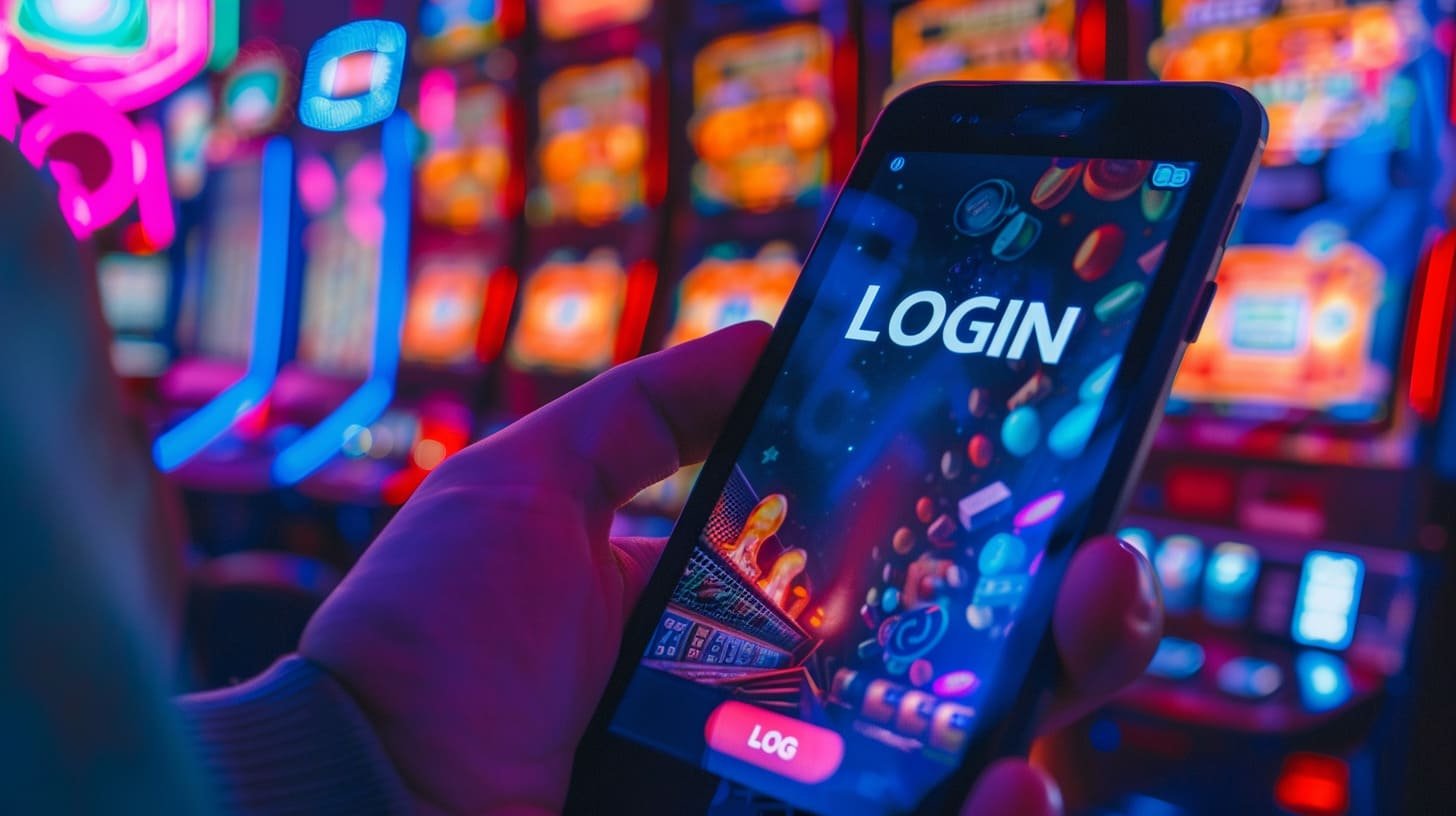
qq33

Steps to Install the Android APK

1
Open Settings

Go to your phone's Settings > Security and enable "Unknown Sources" or "Install unknown apps".

2
Download APK

Download the latest APK file from the official qq33 site.

3
Tap the File

Find the APK file in your Downloads folder, tap it, and hit the "Install" button.

4
Installation Complete

Once installation is done, tap "Open" or go to the qq33 icon on your home screen.

5
Log In or Register

Log in to your existing account or create a new one. A welcome bonus is waiting for first-time users.

6
Start Playing

Make a deposit and pick your game. slots, Sports Betting, bingo — all right at your fingertips.

System Requirements

Subject Android IOS (Web App)
Minimum OS Version Android 6.0+ IOS 13+
RAM 2 GB or more 2 GB or more
Storage ~45 MB No Storage Used
Internet 3G / 4G / WiFi 3G / 4G / WiFi
Installation Method APK File Safari > Add to Home
Price Free Free

Key Features of the App

Fast Loading

Thanks to optimized code and CDN delivery, the qq33 app loads in under 5 seconds — even on a slow connection.

Top-Level Security

Your account and funds are fully secured with SSL encryption and 2-factor authentication.

Push Notifications

New bonuses, tournament launches, and special offers are sent straight to your phone — so you never miss a thing.

Fast Payments

Deposits and withdrawals via Mobile Banking, Nagad, Rocket, and all other supported methods are processed in minutes, directly from the app.

Dark Mode

Enable dark mode for a more comfortable viewing experience during late-night sessions. It also helps save battery.

Bangla Language Support

The entire app is available in Bangla — menus, instructions, support, all of it.

qq33

FAQ

Frequently Asked Questions About the qq33 App

Yes, downloading and installing the qq33 app is completely free. Both the Android APK and the iOS web app are available at no cost. You only need to deposit according to your own budget when you're ready to play.

Absolutely. APK files downloaded from the official qq33 site are completely safe and virus-free. Every release goes through security testing before it's published. Always avoid downloading from third-party sites.

The qq33 app works on any phone running Android 6.0 or above. For the best performance, at least 2 GB of RAM is recommended. On older or low-RAM devices, games may run a bit slower, but all core features will still work.

No. You don't need the App Store to use qq33 on iPhone. Just open qq33.plus in Safari and tap "Add to Home Screen." It works as a progressive web app, delivering a native app-like experience.

Yes. The qq33 app supports deposits via Mobile Banking, Nagad, Rocket, and other popular mobile banking methods. Withdrawals work the same way and typically arrive within 15 minutes.

When a new update is available, the qq33 app will send you a notification. Just tap it — or hit the "Update" button inside the app — to update instantly. The iOS web app updates automatically.
Special Offers

Download the qq33 App Today

Sign up, claim your welcome bonus, and step into a world of thousands of games — completely free.

বাংলা